TerraStride
CONCEPT CASE STUDYA different kind of everyday step.
01 / The brief
Develop a footwear identity that makes an unfamiliar material story feel desirable and easy to understand.
02 / The audience
Design-conscious urban shoppers interested in alternatives to conventional footwear materials.
03 / The design challenge
Lead with the shoe’s appeal while reserving material and environmental statements for claims that can be substantiated.
04 / The concept process
- Frame the offer around everyday style and a proposed alternative material.
- Build a cobalt-and-cream identity with clear product hierarchy.
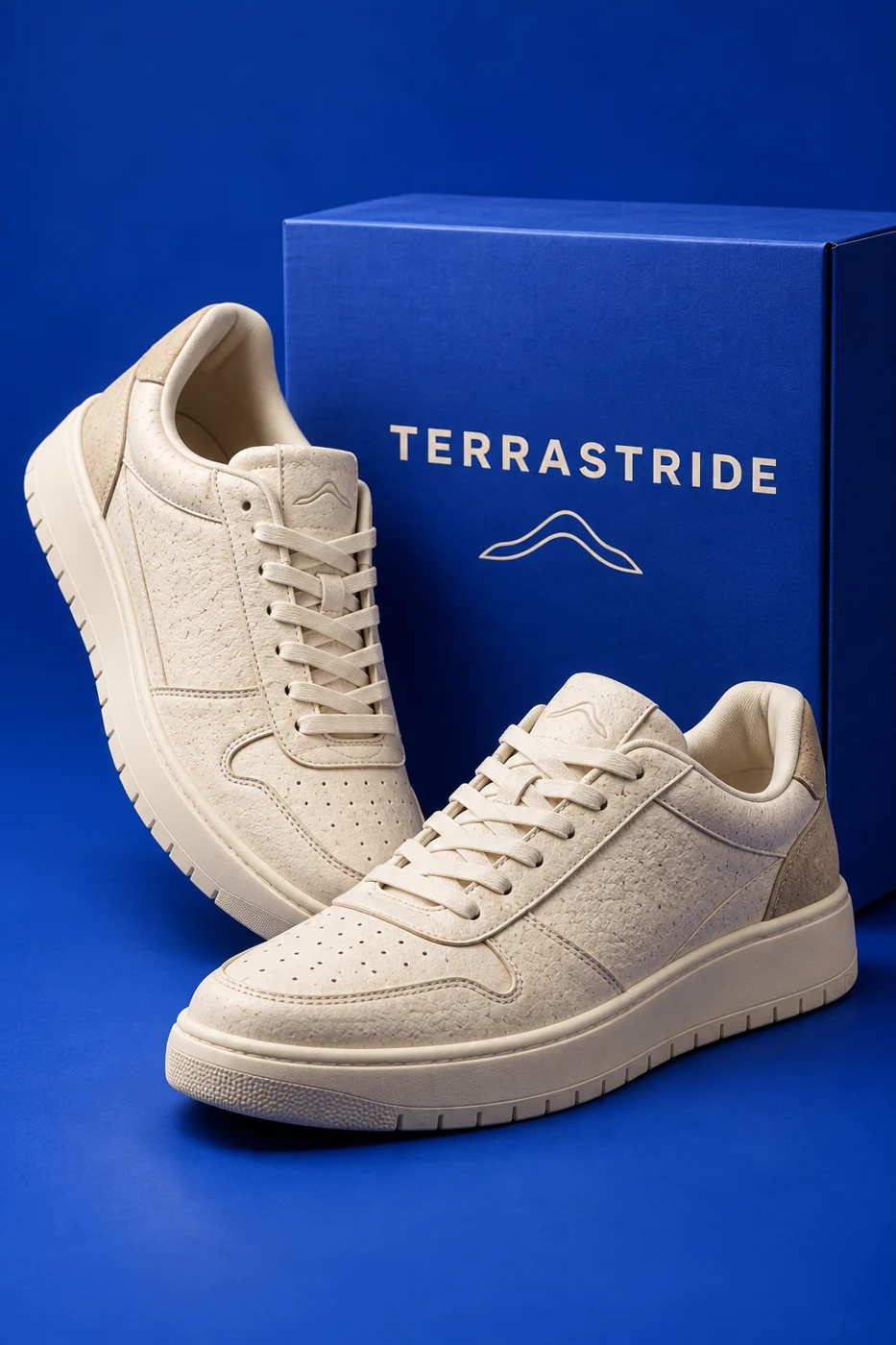
- Develop an AI-assisted shoe and packaging scene for campaign exploration.
- Plan a product-page structure separating fit, care and verified material information.
05 / The creative decisions
Cobalt blue creates shelf recognition; cream footwear keeps the product at the centre. A direct uppercase wordmark can scale from a shoe label to a campaign headline. The composition pairs the proposed product with its packaging rather than using generic nature imagery.
06 / The design outcome
A product-led visual direction connects footwear, packaging and campaign photography. The illustrated shoe is a concept, not a manufactured or tested product.
07 / Validation & next steps
Confirm material sourcing and durability with a supplier; then test product comprehension and fit-information clarity with prospective customers.
This concept has not been launched or measured with customers. No sales, conversion or engagement results are claimed. The outcome shown is a visual design study.