SolarPulse
CONCEPT CASE STUDYPortable power. A clearer story.
01 / The brief
Create an approachable brand presentation for a fictional portable solar kit, connecting the product to travel and outdoor use.
02 / The audience
Travellers and outdoor users comparing portable charging options.
03 / The design challenge
Explain a technical product without clutter, and avoid implying an unverified output, charging time or battery compatibility.
04 / The concept process
- Outline the proposed use case and essential buyer questions.
- Develop orange-and-charcoal colour roles.
- Explore a portable kit and carry-bag scene with AI-assisted art direction.
- Define a product-page information order for setup and verified specifications.
05 / The creative decisions
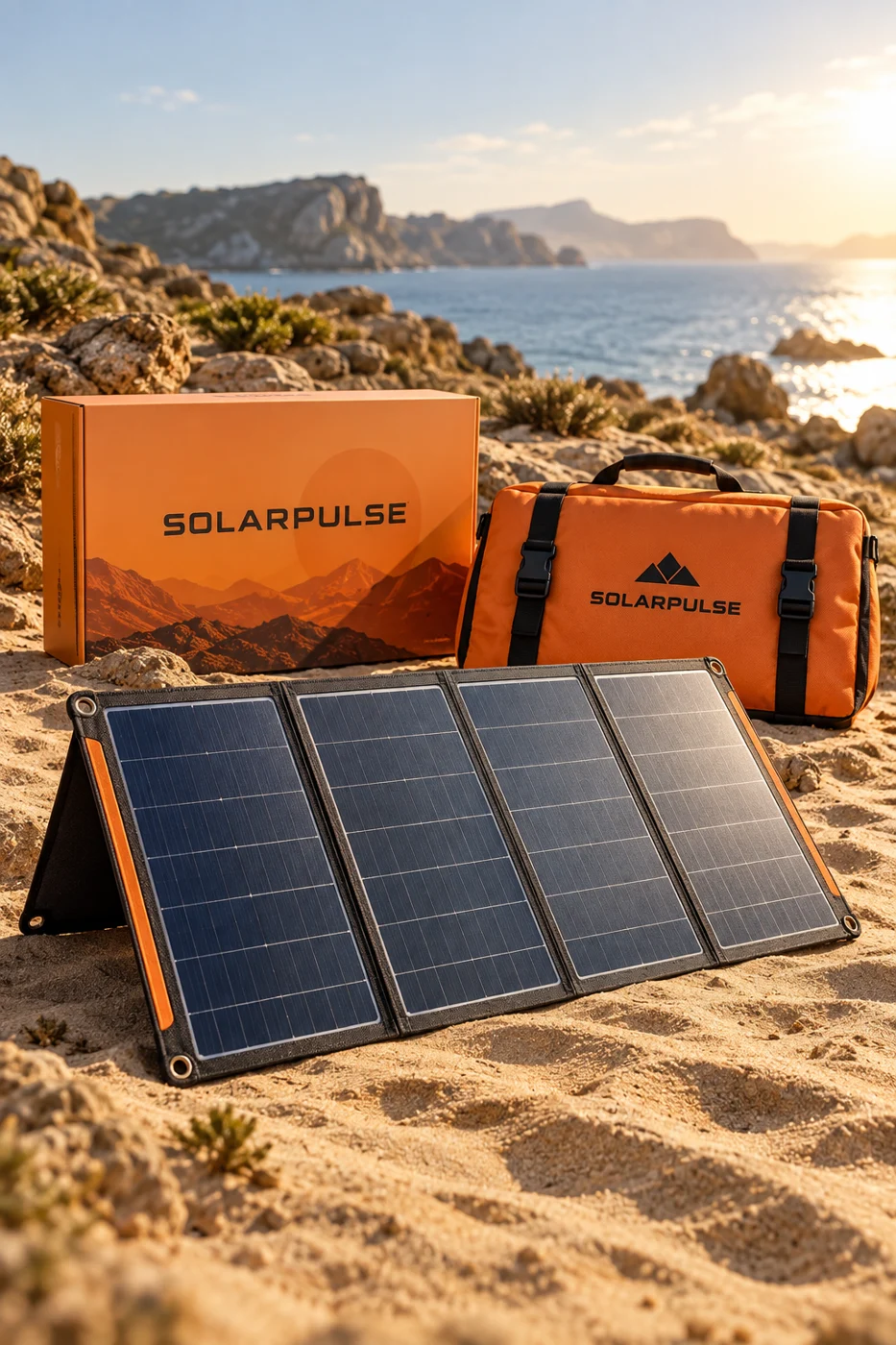
An orange carry bag supplies a visible recognition cue against the dark panel. Natural light and a simple outdoor setting establish context. Future product information is organised around setup, compatibility and care rather than unverified performance numbers.
06 / The design outcome
A commercially styled scene makes the proposed kit and carrying system easy to identify. It is a visual concept, not evidence of electrical functionality.
07 / Validation & next steps
Verify electrical specifications and safety information with a qualified supplier; test setup instructions and compatibility information with users.
This concept has not been launched or measured with customers. No sales, conversion or engagement results are claimed. The outcome shown is a visual design study.